
THE FIRST IMMERSIVE AUDIO ANALYZER
MiRA Studio – The First Immersive Audio Analyzer
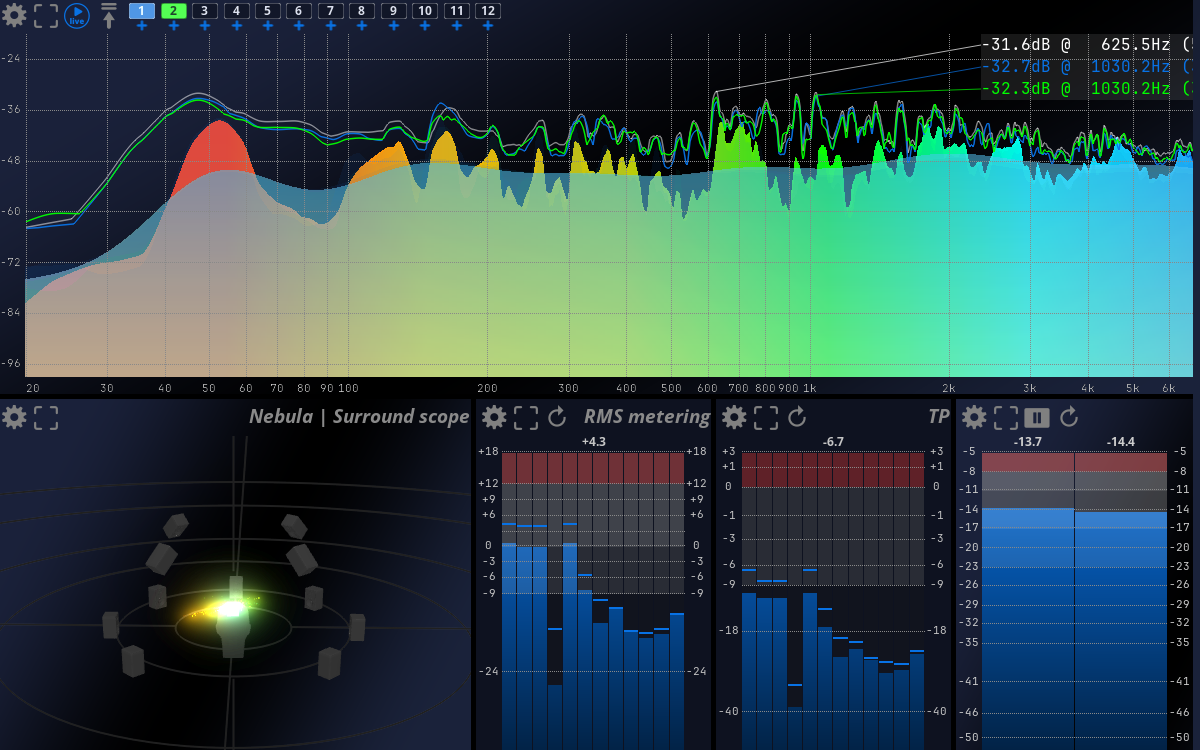
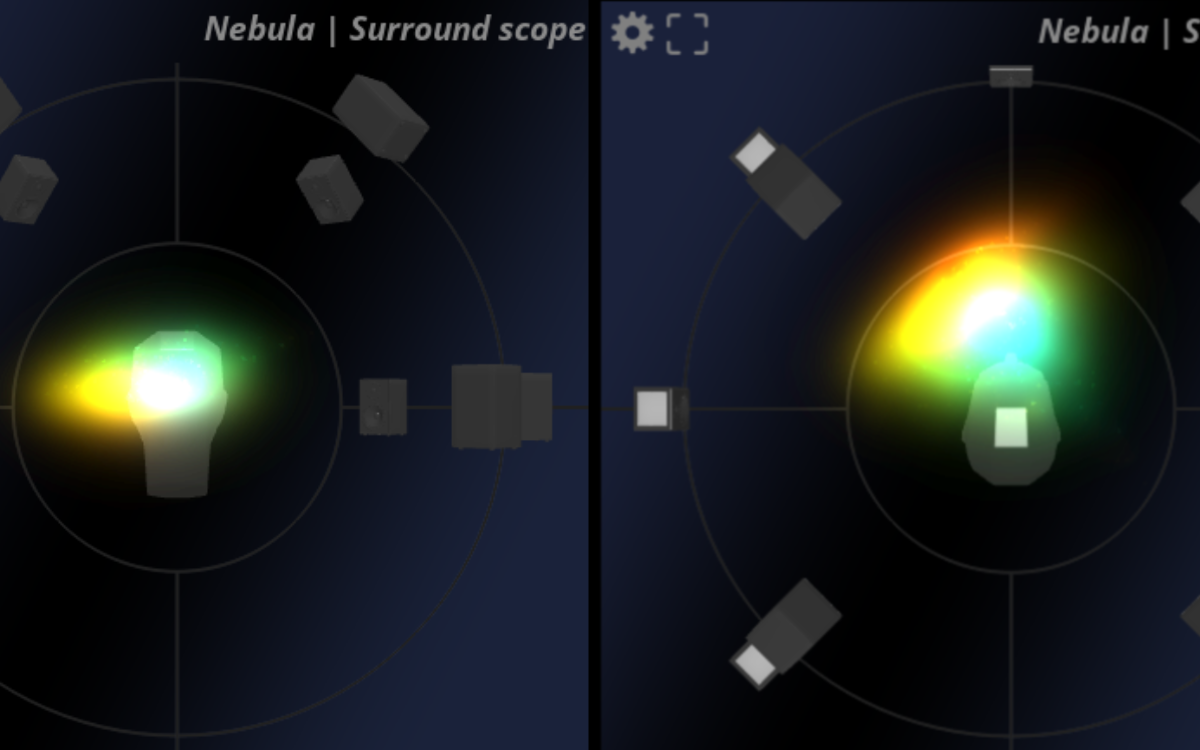
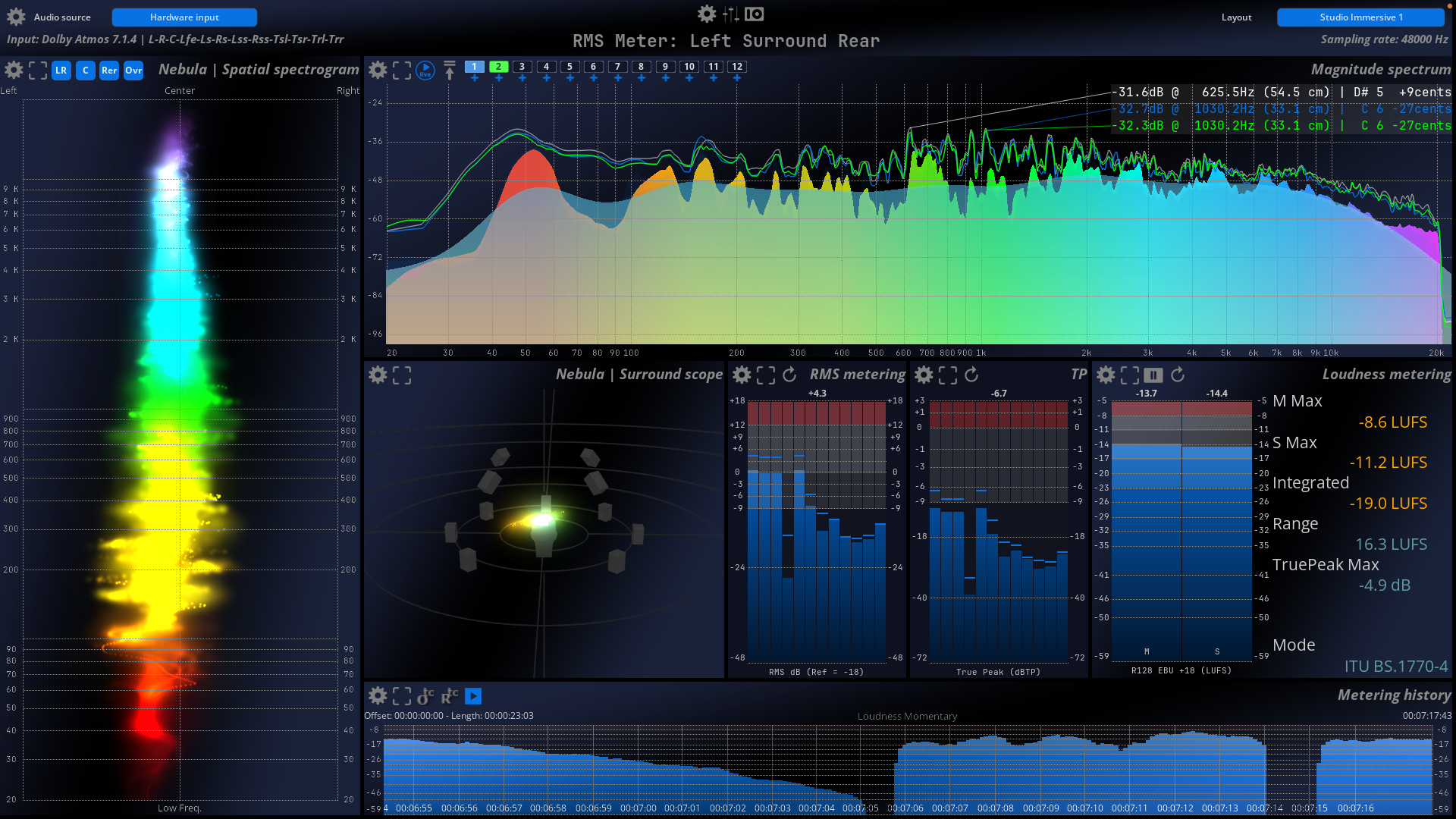
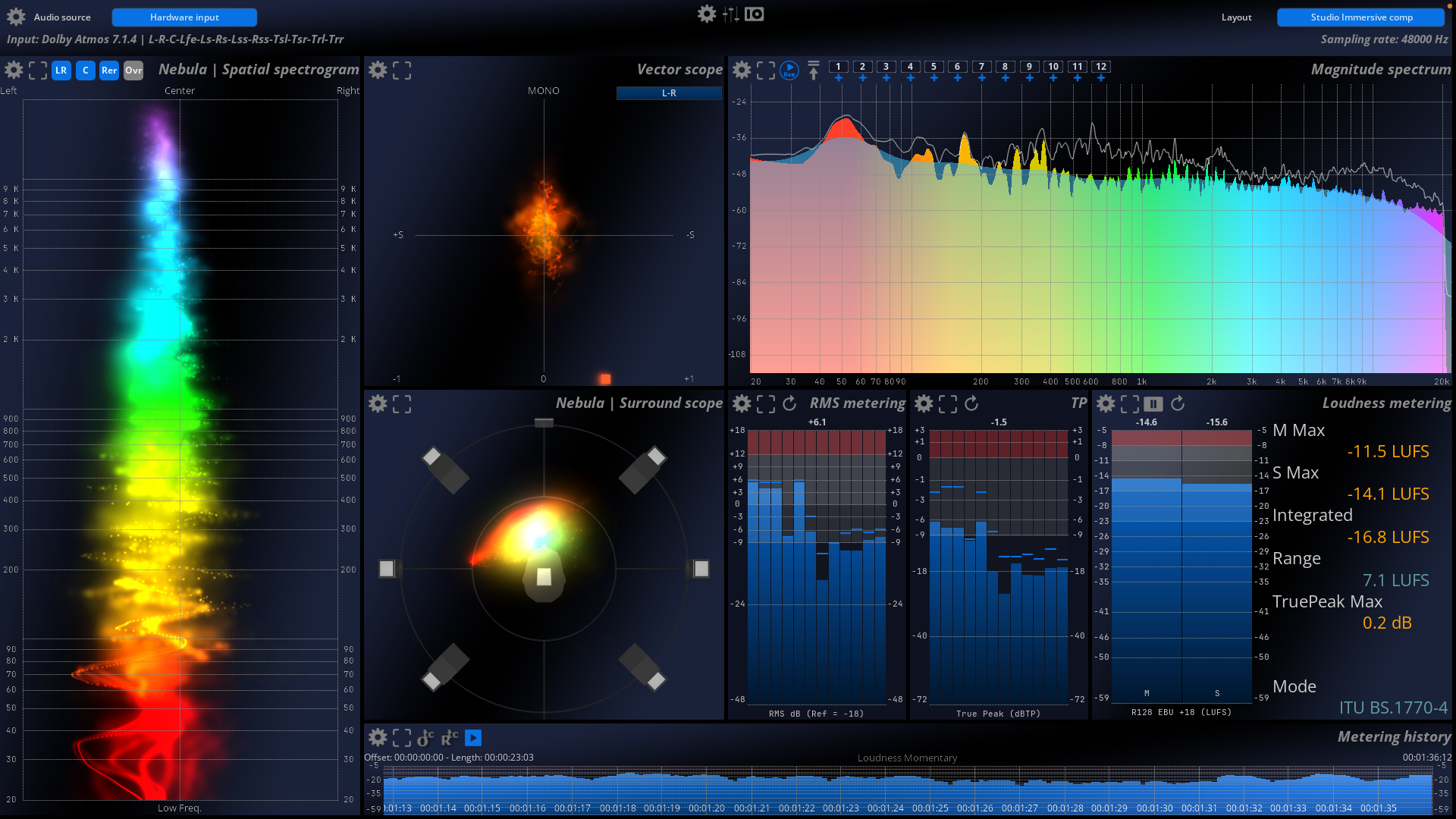
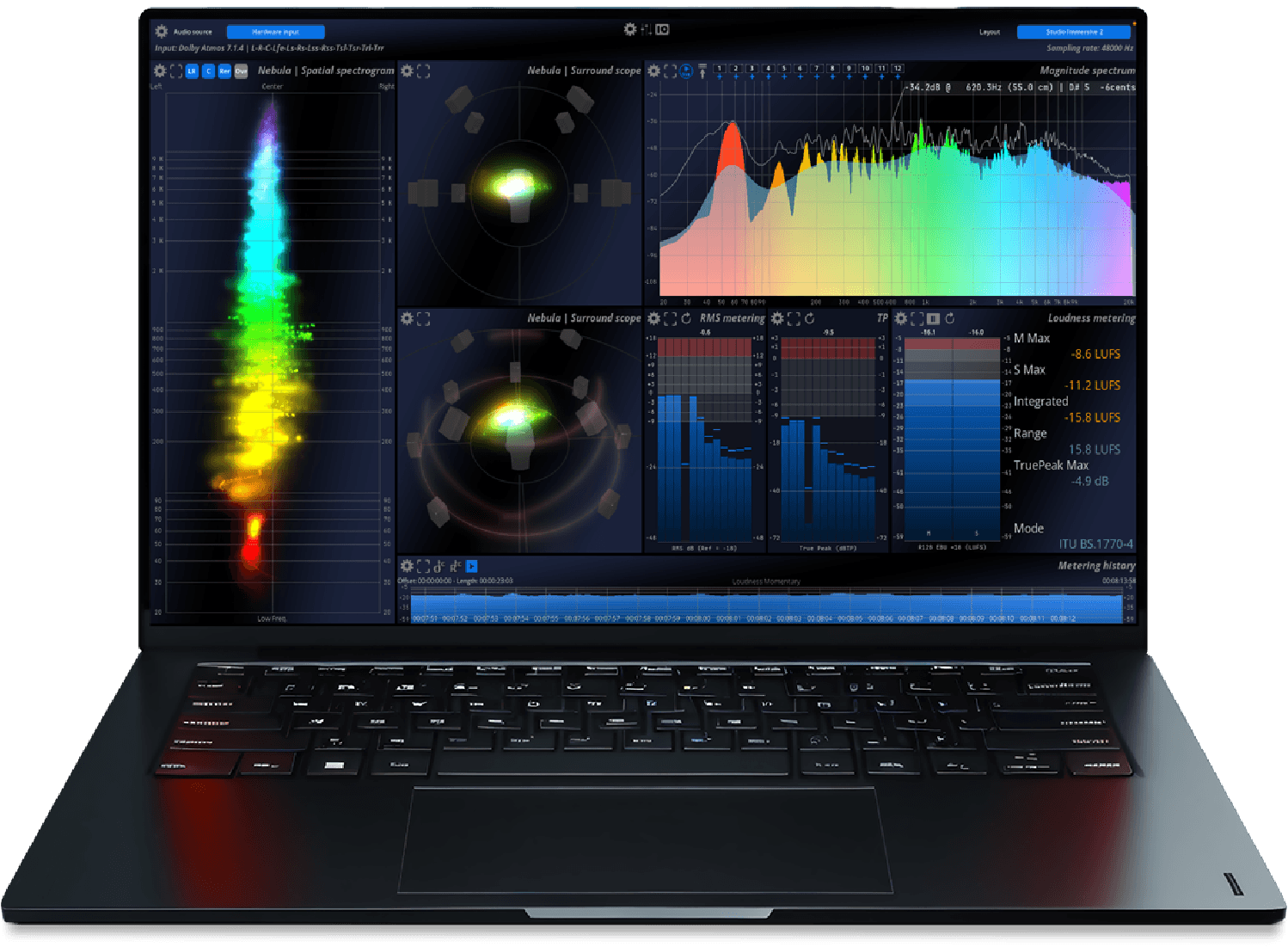
Mix with confidence and be in full control in a reactive, real-time environment. MiRA Studio is the first immersive audio analyzer with support for up to 24 channels for workflows in Dolby® Atmos, Auro3D, NHK 22.2, and other multichannel formats and speaker arrangements, featuring customizable layouts and workspaces tailored to your specific needs. The unique FLUX:: Nebula visualizes the spatial sound field in a scope spectrogram for multichannel analysis in up to 24 channels.
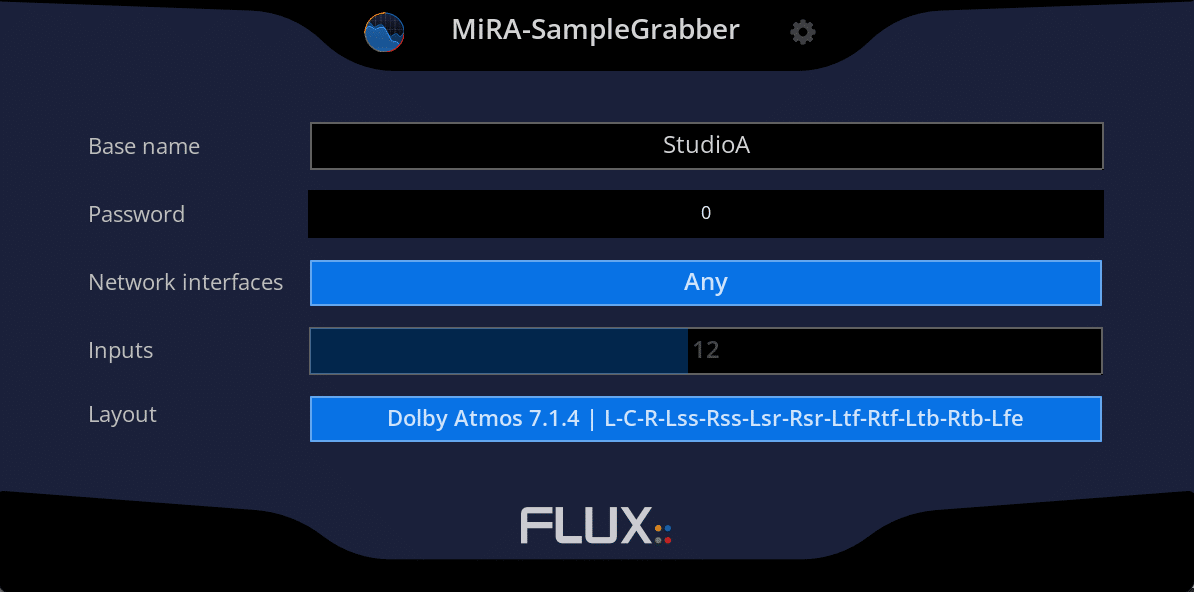
SIMPLE CONNECTION TO YOUR DAW
Audio samples sourced from hardware I/O or via the MiRA Sample Grabber plugin enable simple connection to your Digital Audio Workstation (DAW) using proprietary Sample Push network-based technology.
NATIVELY SUPPORTS UP TO 24 CHANNELS
MiRA Studio natively supports up to 24 channels and is compatible with Dolby® Atmos, Auro3D, NHK 22.2, and various other speaker arrangements and multichannel formats.
NEBULA 3D OPTIMIZED
Features the updated FLUX:: proprietary Nebula 3D and Spatial Spectrogram, optimized with multi-pass processing for up to 24 channels.
SIMPLIFIED I/O CONFIGURATION
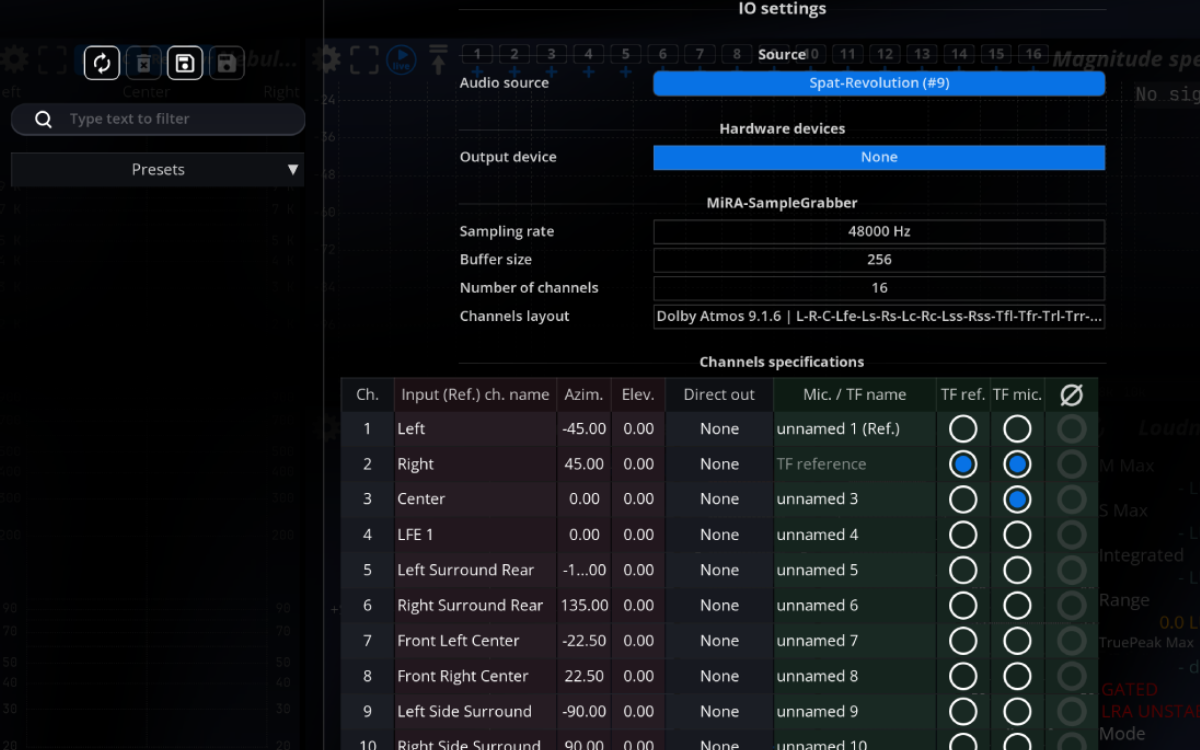
The simplified I/O configuration (speaker layout) is easily transferred from the MiRA Sample Grabber and SPAT Revolution.
FEATURE HIGHLIGHTS
- Intuitive user interface with a fully customizable workspace, layouts, and settings
- RTA range mode manual, auto, compressed, and compressed auto
- LUFS – EBU R128 / PLOUD support for all the latest norms
MiRA Studio
Mix with confidence and be in full control in a reactive, real-time environment. MiRA Studio is the first immersive audio analyzer with support for up to 24 channels for workflows in Dolby® Atmos, Auro3D, NHK 22.2, and other multichannel formats and speaker arrangements, featuring customizable layouts and workspaces tailored to your specific needs. The unique FLUX:: Nebula visualizes the spatial sound field in a scope spectrogram for multichannel analysis in up to 24 channels.
We offer a 50% academic discount, based on the full MSRP, for students, teachers and schools on all our products. Click here to apply.
COMPATIBILITY


WATCH AND LEARN MORE
MiRA Studio – INTRODUCTION
MiRA Studio – MULTI-CHANNEL ANALYSIS
MiRA – FLUX:: SAMPLE PUSH TECHNOLOGY
MiRA – LAYOUT CREATION WITH CUSTOMIZABLE WORKSPACES
MiRA – USER INTERFACE
RESOURCES

Online User Guide

Download & Install

License & Activation

Release Notes

Facebook Analyzer Group
SPECIFICATIONS
Features
| Session | Studio | Live | Ultimate | ||
| General | Number of channels | 2 channels | Up to 24 | Up to 24 | Up to 24 |
| Custom layout and workspace | ✓ | ✓ | ✓ | ✓ | |
| Hardware input / output | ✓ | ✓ | ✓ | ✓ | |
| MiRA samplegrabber communication | ✓ | ✓ | ✓ | ✓ | |
| Include most of the DAW speakers arrangements – more than 200 included | ✘ | ✓ | ✓ | ✓ | |
| SPAT Revolution sample push communication | ✓ | ✓ | ✓ | ✓ | |
| Advanced management for system measure captures, with offline edition support | ✘ | ✘ | ✓ | ✓ | |
| Unique head/floor microphone combination (patent pending) | ✘ | ✘ | ✓ | ✓ | |
| All the tools to mix in Stereo | ✓ | ✓ | ✓ | ✓ | |
| All the tools to mix in Immersive | ✘ | ✓ | ✘ | ✓ | |
| All the tools to calibrate a system | ✘ | ✘ | ✓ | ✓ | |
| Unique 3D Nebula – Analyze your spatial mix | ✘ | ✓ | Frontal only | ✓ | |
| Scope | RMS Meter | ✓ | ✓ | ✓ | ✓ |
| Peak Meter | ✓ | ✓ | ✓ | ✓ | |
| True Peak Meter | ✓ | ✓ | ✓ | ✓ | |
| Loudness Meter | ✓ | ✓ | ✓ | ✓ | |
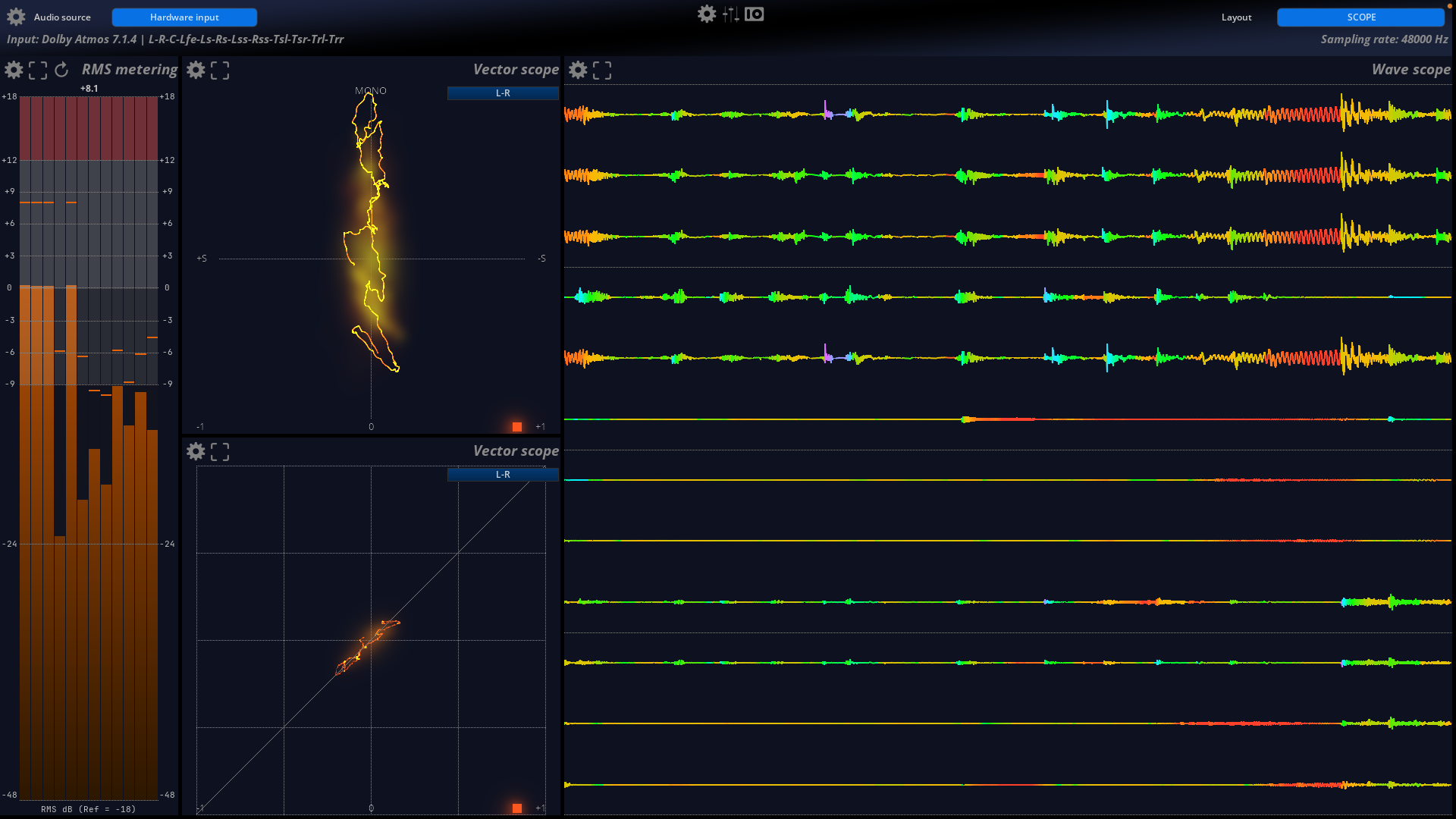
| Wave scope | ✓ | ✓ | ✓ | ✓ | |
| Stereo Vector Scope | ✓ | ✓ | ✓ | ✓ | |
| Nebula | Spatial spectrogram | ✓ | ✓ | ✓ | ✓ | |
| Spectrogram | ✓ | ✓ | ✓ | ✓ | |
| RTA (Spectrum Magnitude) | ✓ | ✓ | ✓ | ✓ | |
| Meters History | ✘ | ✓ | ✘ | ✓ | |
| 2D surround scope (legacy) | ✘ | ✓ | ✘ | ✓ | |
| 3D Surround scope | ✘ | ✓ | Frontal only | ✓ | |
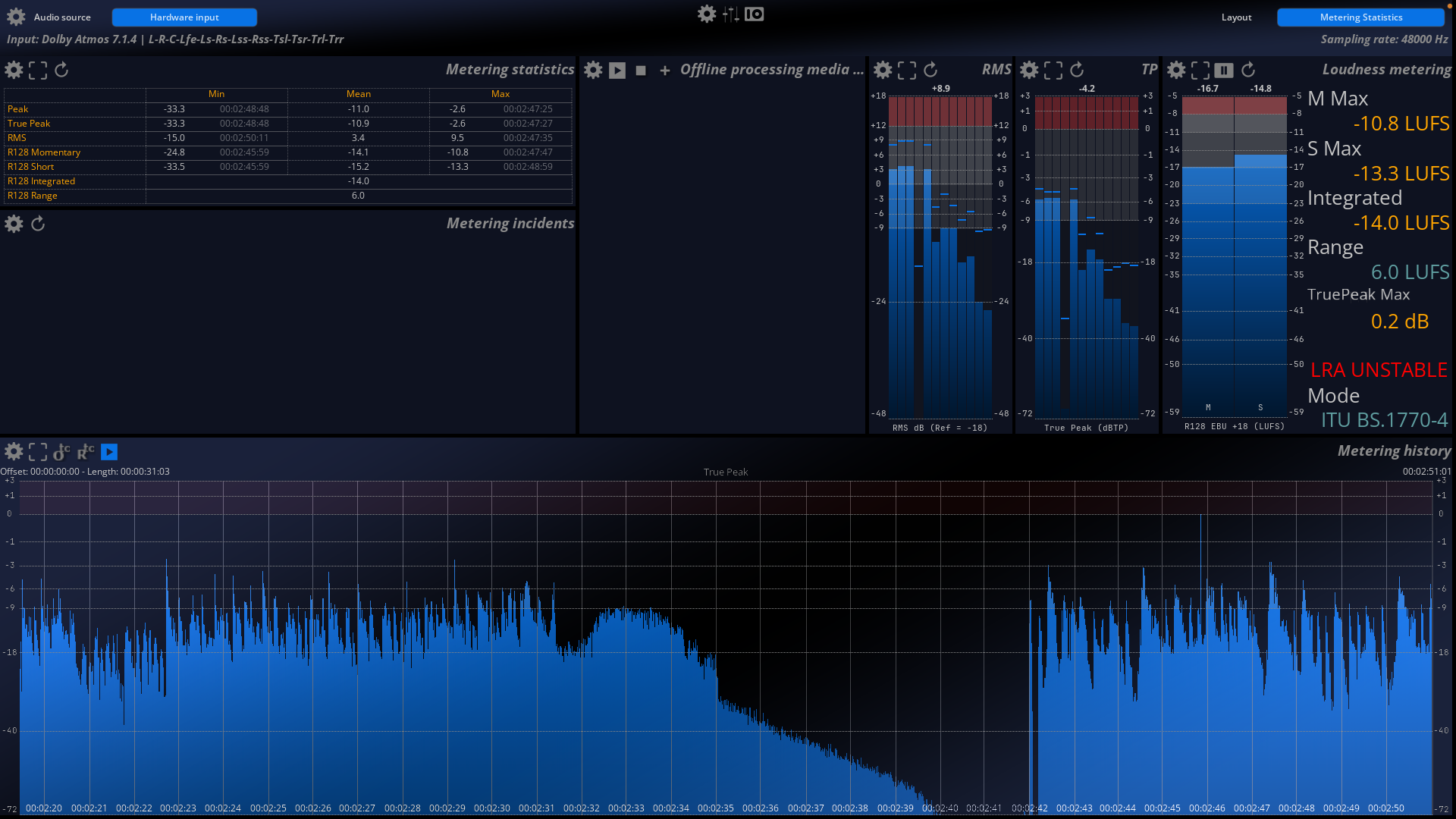
| Metering Statistic | ✘ | ✓ | ✘ | ✓ | |
| Live |Leq | ✘ | ✘ | ✓ | ✓ | |
| Live |Spectrum Transfer Function | ✘ | ✘ | ✓ | ✓ | |
| Live | Impulse Response | ✘ | ✘ | ✓ | ✓ | |
| OS | Windows 10 and Windows 11 – 64 bits only | ✓ | ✓ | ✓ | ✓ |
| macOS – All version from 10.15 including macOS Big Sur and Monterey compliant | ✓ | ✓ | ✓ | ✓ | |
| Processing | 32/64-bits internal floating point processing | ✓ | ✓ | ✓ | ✓ |
| Sample rate up to 384 | Up to 96kHz | ✓ | ✓ | ✓ |
Processing
| 32/64-bits internal floating point processing. |
✓
|
| Sampling rate up to 384 kHz DXD |
✓
|
| Network support with the MiRa SampleGrabber plug-in (Password-protected audio stream encryption available) |
✓
|
| Extremely efficient OpenGL based graphics rendering engine, capable of up to 120 fps |
✓
|
| Independent display and time-code frame rates |
✓
|
| Auto-pause controlled by user-defined threshold |
✓
|
OS Compatibility
Hardware Requirements
In order to experience the outstanding graphical response in MiRA and to fully take advantage of the software’s analysis capabilities, using a modern NVIDIA or AMD/ATI Radeon graphics card is recommended.
Older, and other less efficient graphics cards do not have the required performance and specifications, and will offload too much work to the CPU.
A graphic card fully supporting OpenGL 2.0 is required.
- macOS: OpenGL 2.0 required – Mac Pro 1.1 & Mac Pro 2.1 are not supported. Apple Silicon Universal Binary ARM Mx Supported
- Windows: If your computer has an ATi or NVidia graphics card. please ensure the latest graphic drivers from the ATi or NVidia website are installed. Generic drivers may contain bugs and are, in general, less up-to-date with optimizations presented in drivers specific to your particular graphics card model.
- USB displays are not supported
Audio Interface
- macOS: any Core Audio compatible interface or virtual sound card
- Windows: any ASIO-compatible interface or virtual sound card
Software Licence Requirements
| iLok account required |
✓
|
| Machine authorization is supported |
✓
|
| iLok USB Smart Key support (From 2nd gen) |
✓
|
| iLok Cloud support |
✘
|
| Simultaneous authorizations (2) |
✓
|


